How to “Orbit”
In Navisworks, you can use the Orbit tool to change the orientation of a model. As you drag the cursor, the model rotates around the selected pivot point.
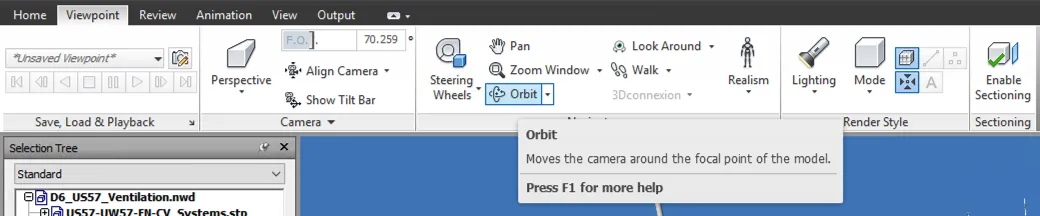
Figure 1: Orbit tool icon in the Viewpoint tab
There is a click-saving way of doing it:
- Select the object for which you want to define the pivot point (mouse left click, make sur you are in “Select” mode).
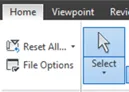
Figure 2: Select mode icon in the Home tab
- Press and hold down both the “Shift” key and the mouse middle button.
- Drag to rotate the model.
BROKEN CDS VIDEO IFRAME NOT MOVED (drupal url : https://en-dep-cv.web.cern.ch/navisworks-orbit)